 AppStills.
App Store & Google Play
App Store screenshots, built in real 3D
Drop in your screens, pose real Phone, Pad and Watch devices, and export every store size in one ZIP — with AI captions in 50 languages. Then turn the same screens into a promo video.
Free to start · no credit card · your first set in minutes
Paste your app link. Get a full draft.
AppStills reads your App Store or Google Play listing — name, screenshots, colours — and assembles a screenshot set with AI-suggested captions. Then you make it yours in 3D.
Import or upload
Paste your store link for an instant draft, start from a template, or drop in raw screenshots.
Pose & polish in 3D
Tilt devices, add texts and effects, span a panorama background across the whole set.
Localize & export
Translate to 50 languages and export every size — images and app preview videos — in one go.
A real 3D editor, not another mockup form
Everything is live on a canvas: move, rotate and scale with real tools, and see exactly what the store will show.
Phone, Pad & Watch in real 3D
Tilt, rotate and stack devices with true perspective or clean orthographic projection — not flat mockup frames.
AI captions & store import
Paste your App Store or Google Play link — AppStills builds a draft set from your listing with suggested captions.
Effects that sell
Shadows, glass-floor reflections, gradients on any device part, outlines, fades — dialled in with sliders.
50 languages in one project
Write captions once, translate the whole set with AI, and export each language to its own folder.
Promo videos from your screenshots
Pick one of 15 scripts and your screens become an animated MP4 — 16:9, 9:16 or square, with music and store badges. App preview .mp4s at exact store sizes too.
Panorama backgrounds
One wide background flows across every screen — stretch, fill, loop or mirrored — for a set that reads as one story.
Screenshots that ship
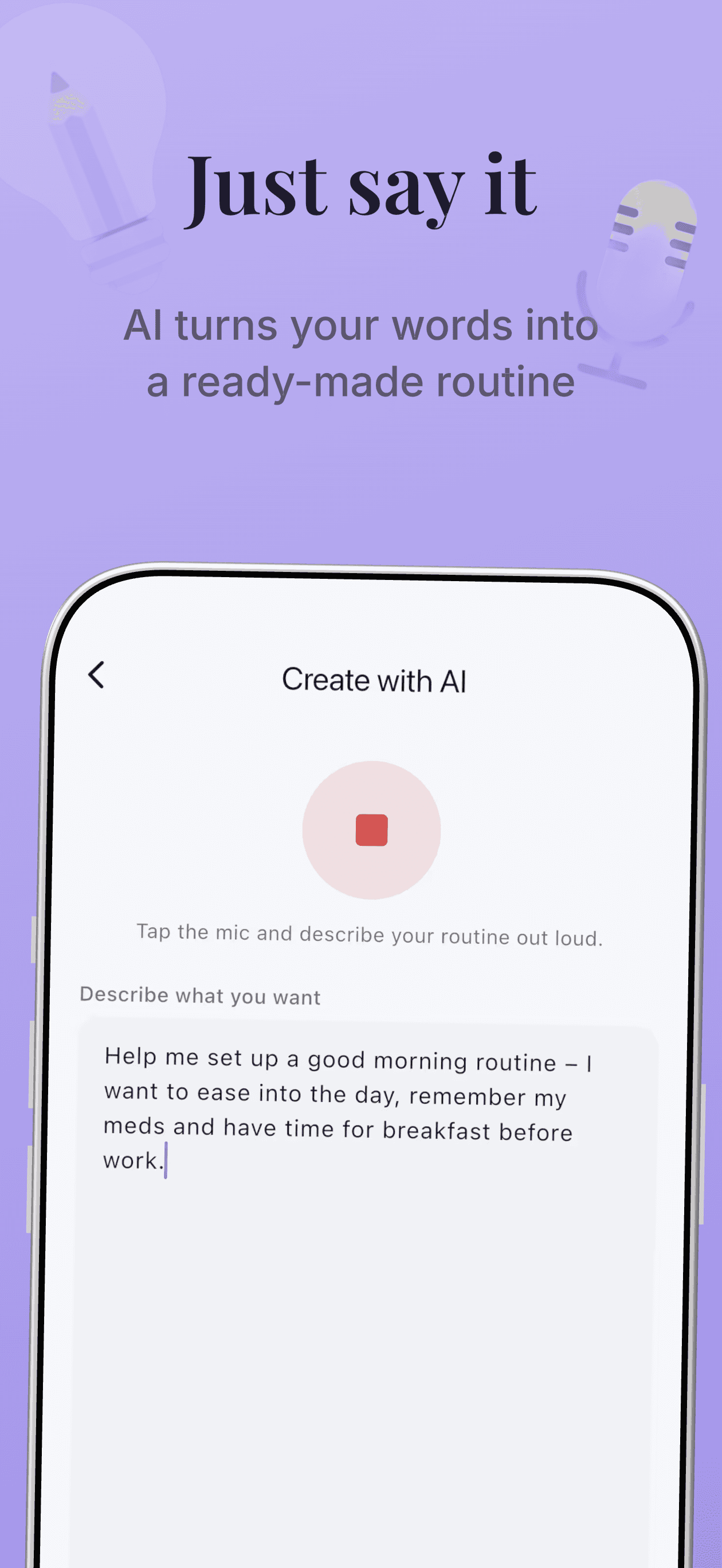
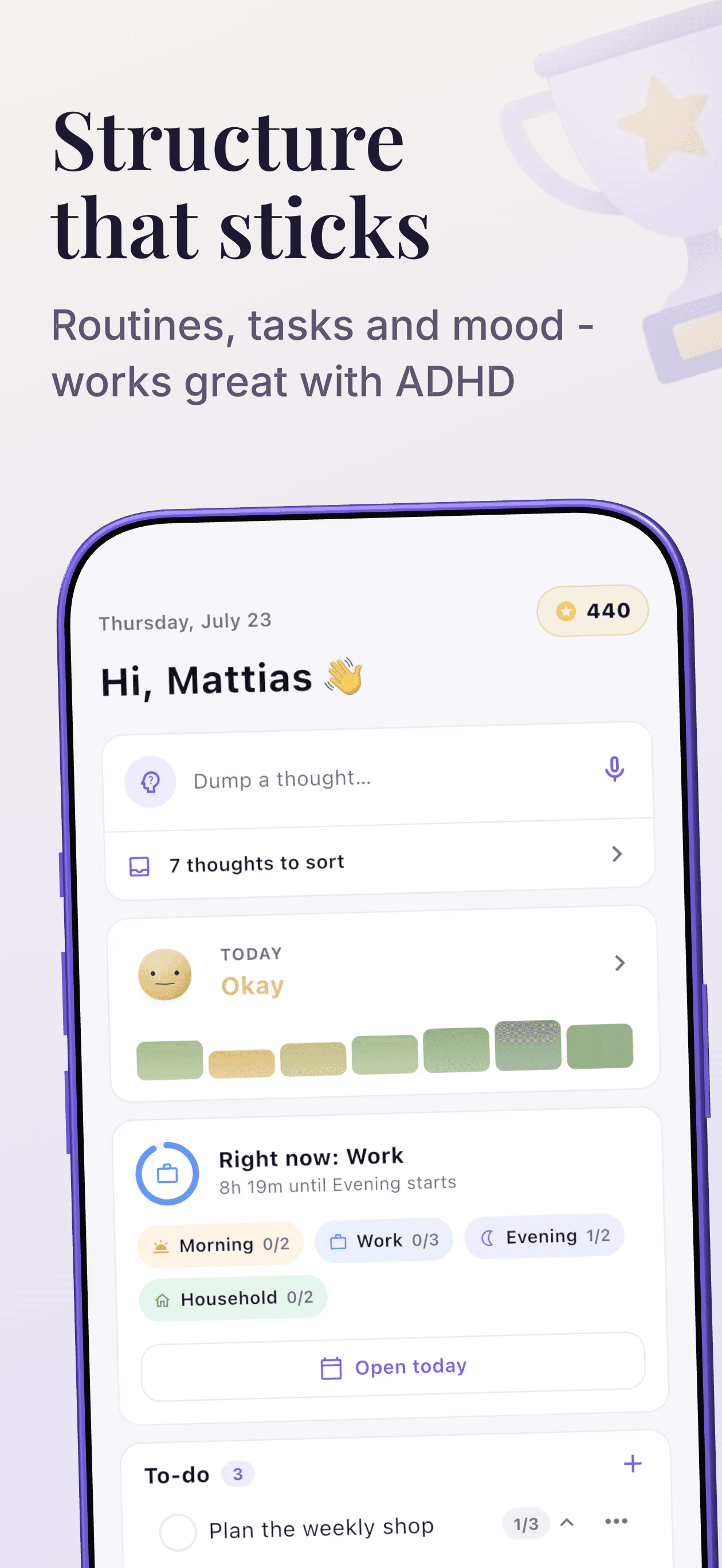
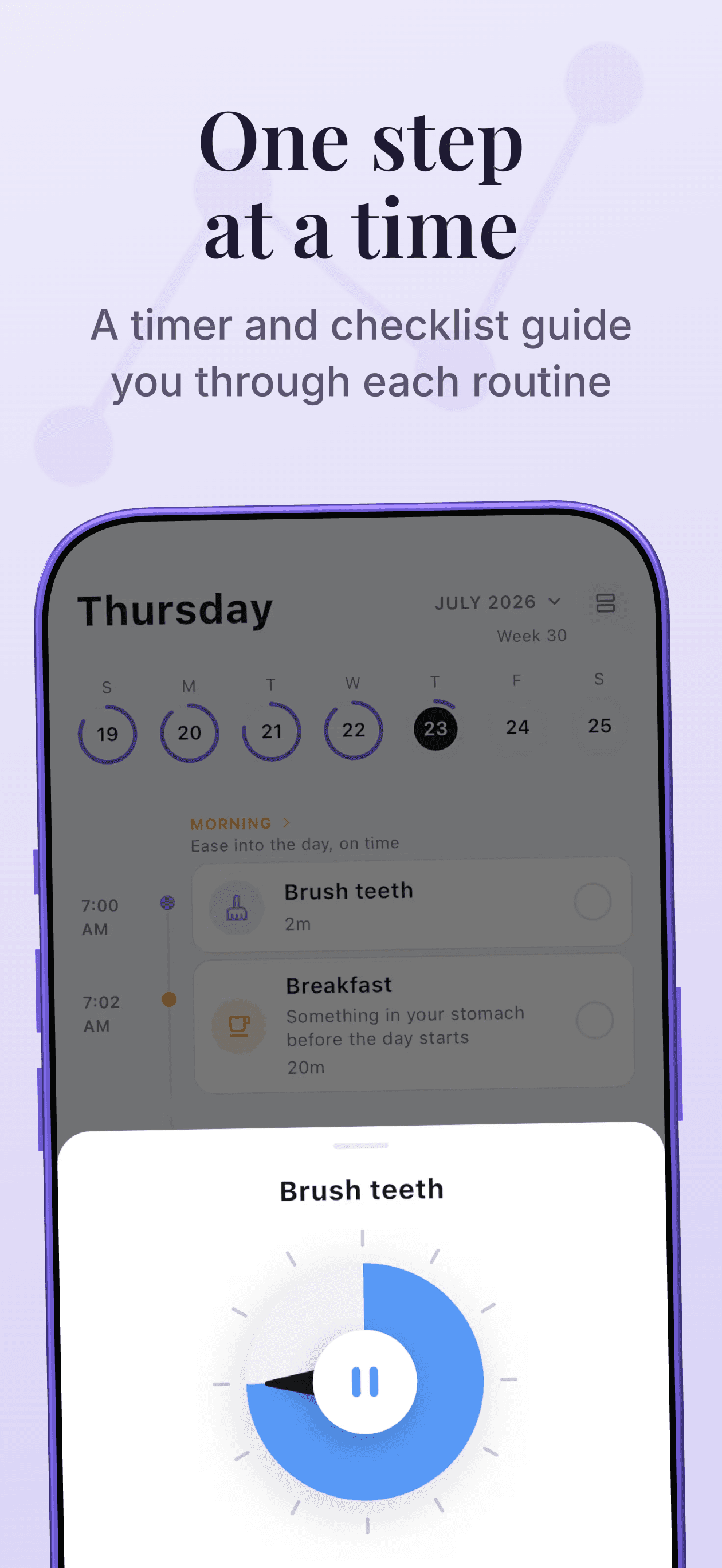
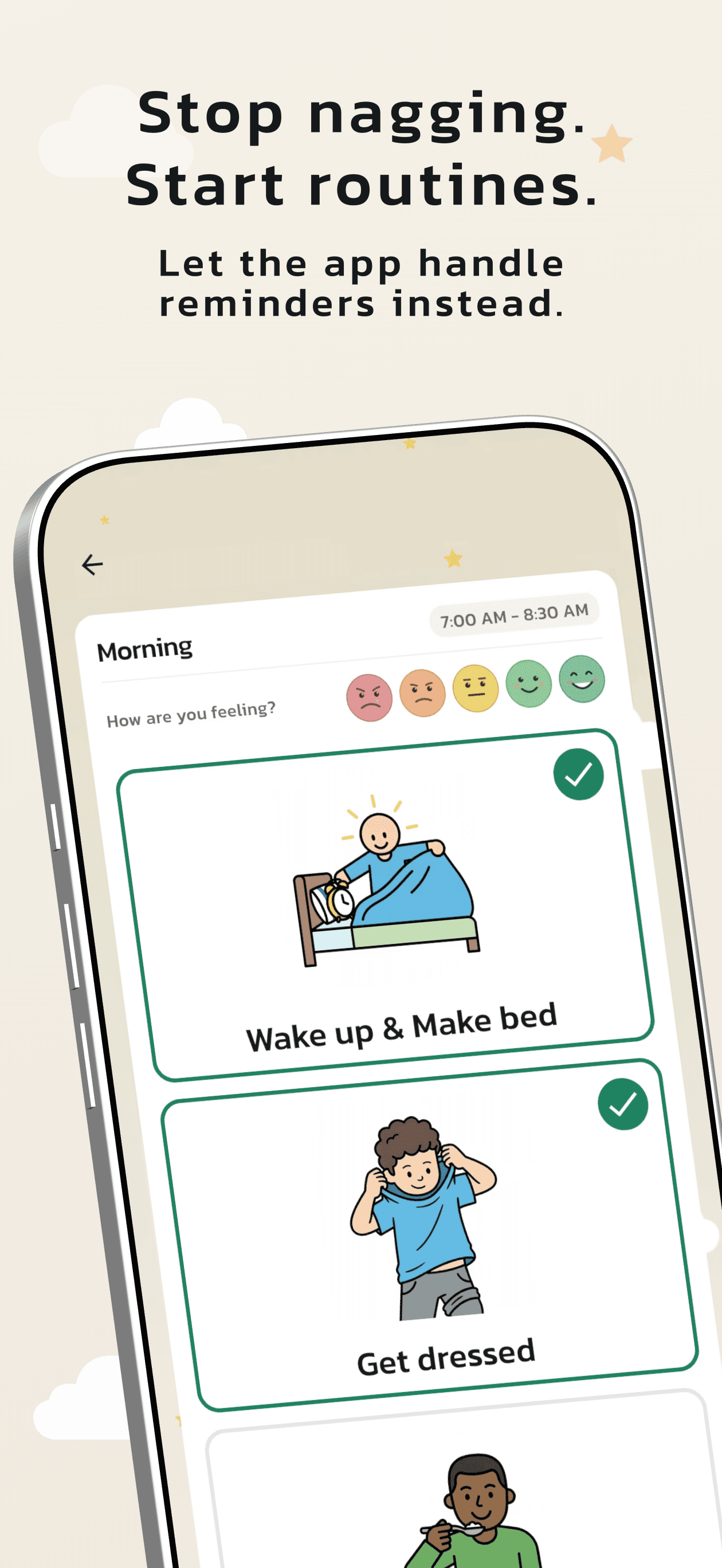
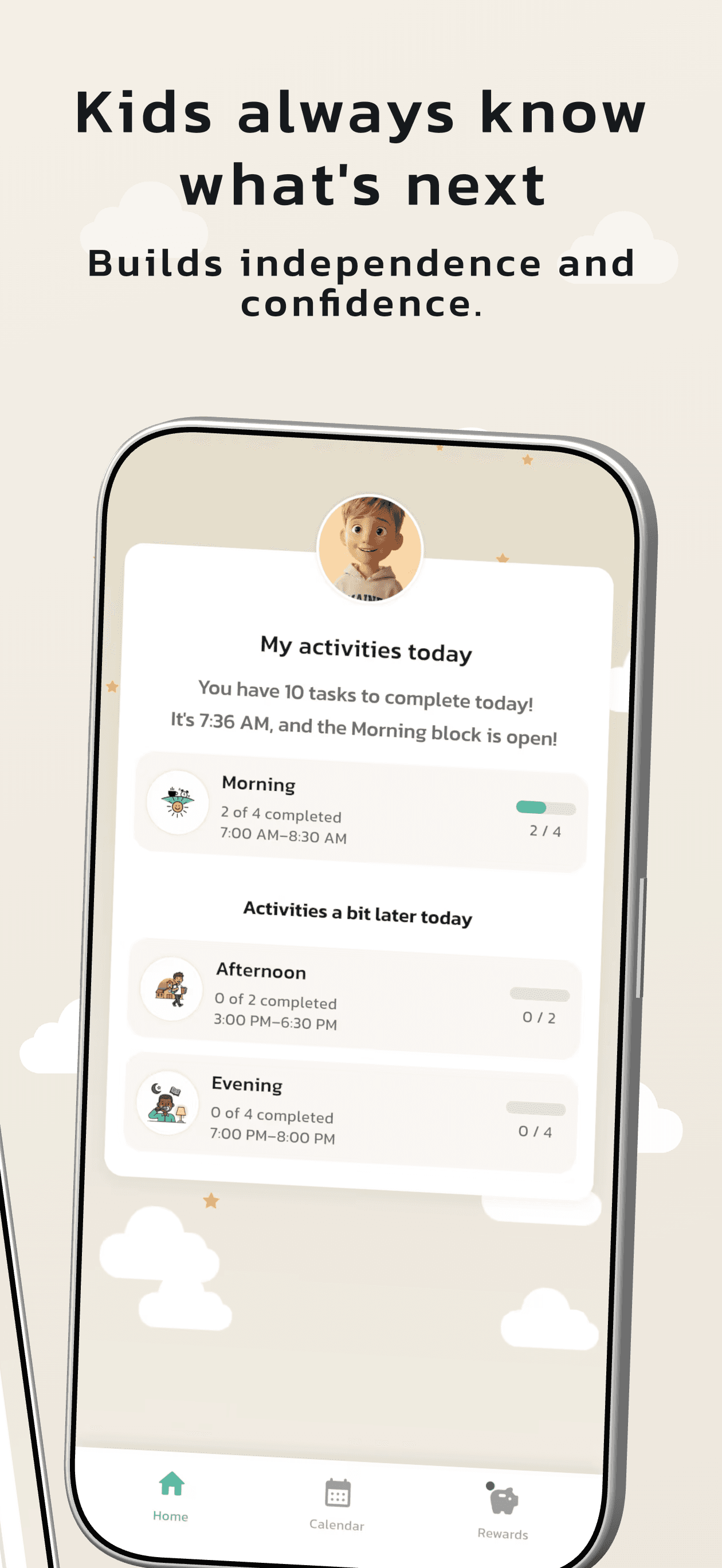
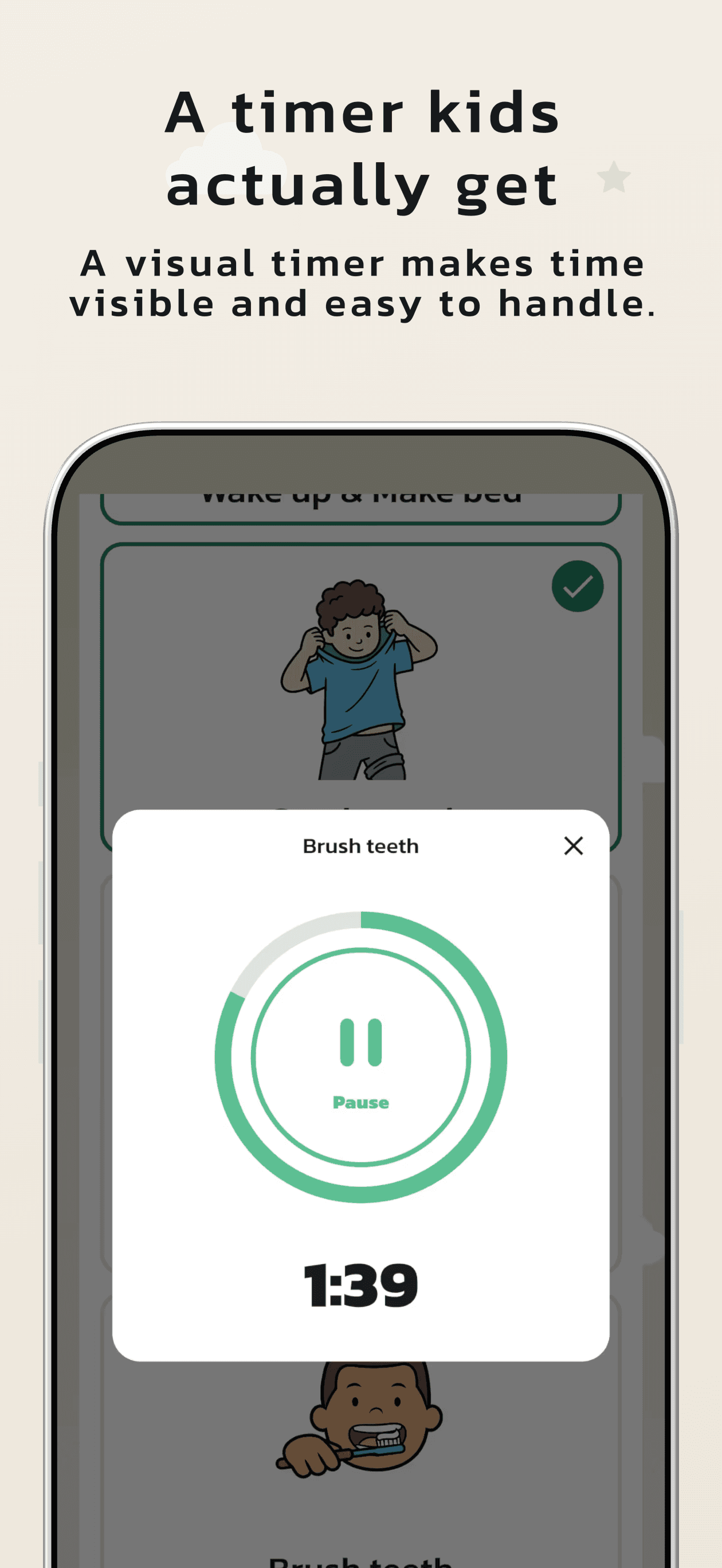
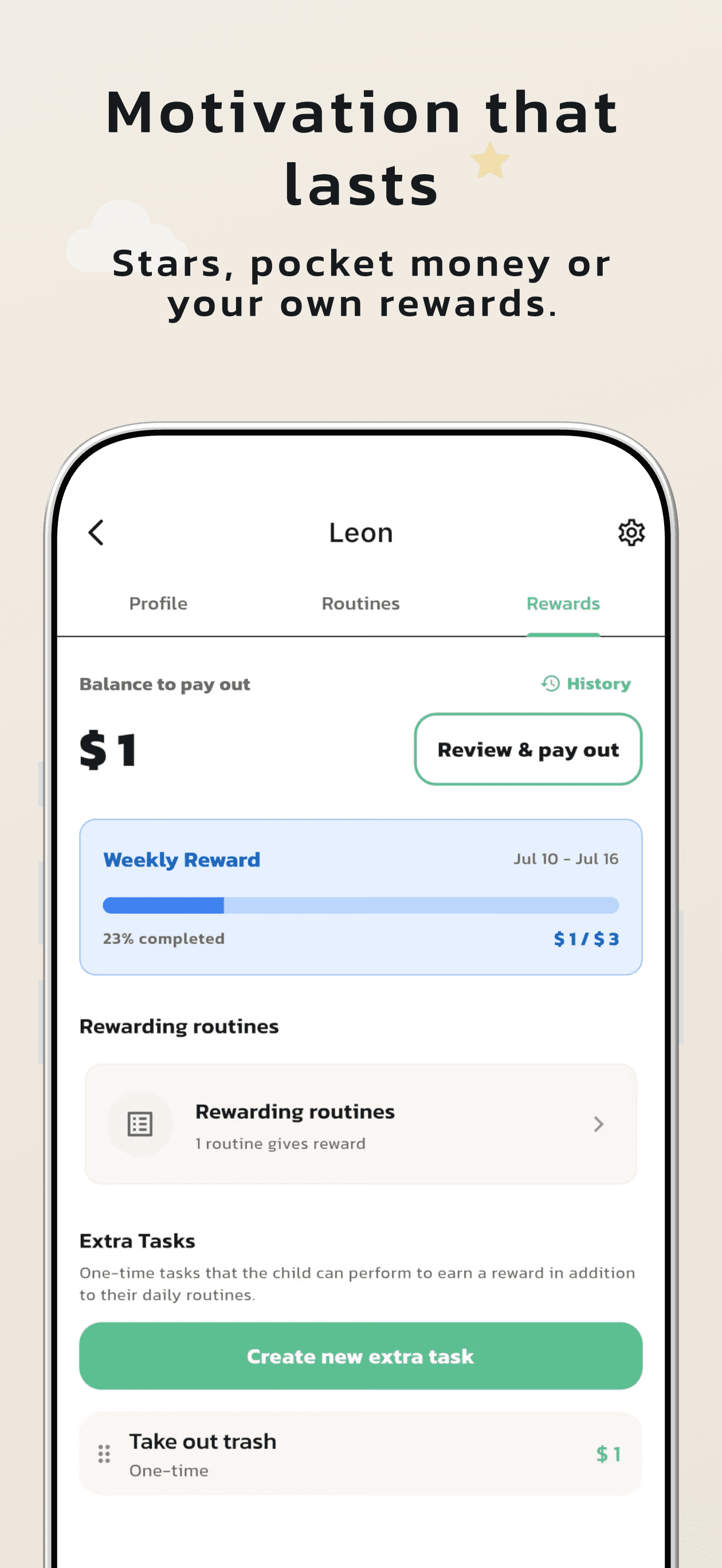
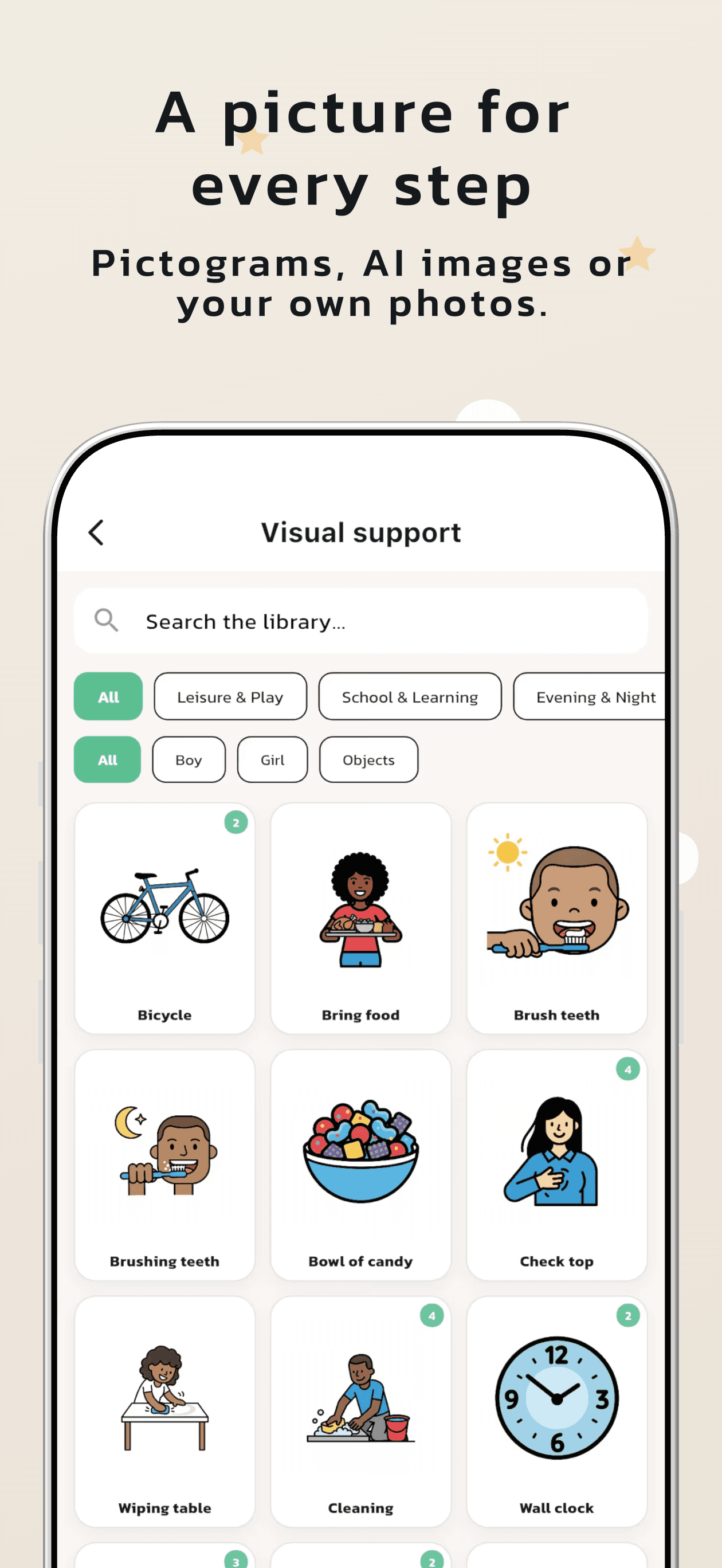
A full set designed in the editor — every image below is a straight export.
Questions, answered
Which screenshot sizes can I export?
Every current App Store and Google Play requirement — iPhone 6.9", 6.5" and 5.5", iPad 13", Apple Watch, and Google Play phone/tablet sizes plus feature graphics. Pro exports them all in one ZIP, organised per size and language.
Are 3D-designed screenshots allowed in the stores?
Yes. Apple and Google both allow marketing-style screenshots as long as they represent the app truthfully — which is why your real UI screenshots stay front and centre on the devices.
Do I need design experience?
No. Start from your store listing or a template and you'll have a full draft in under a minute — then adjust with simple move/rotate/scale tools and sliders.
How do translations work?
Write your captions once, pick target languages, and AI translates the whole set while keeping the layout. Export produces one folder per language, ready to upload.
Can I make promo videos and App Previews?
Yes. Pick one of 15 promo scripts and your screenshots become an animated MP4 in 16:9, 9:16 or 1:1 — with music, your brand and store badges. App Store app previews export separately at the exact accepted sizes. Building and previewing is free; MP4 export is Pro.
What does it cost?
Free covers one project with the full 3D editor and single-size exports. Pro adds up to 50 projects, translations, video export, one-ZIP exports and more — $5.90/month or $49.90/year, cancel anytime.
Your screenshots are the first thing users judge
Make them impossible to scroll past. Free to start — your first full set takes minutes.